iPhone Duo Wallpapers,
Sized for Both Screens
A foldable has two displays — and one wallpaper size does not fit both. Every design here is an original artwork delivered in the two sizes your iPhone Duo actually needs: a wide 2670 × 1878 cut for the unfolded 7.6-inch inner display, and a tall 1398 × 2034 cut for the 5.4-inch cover display.
Crease Magic
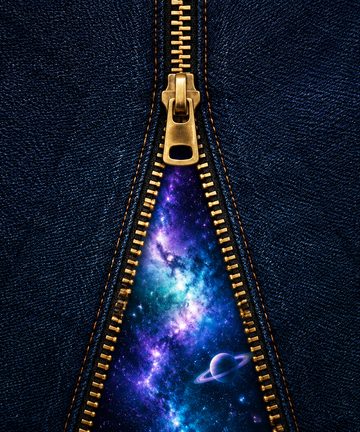
Designs that use the fold itself: it zips, opens and mirrors along the hinge.





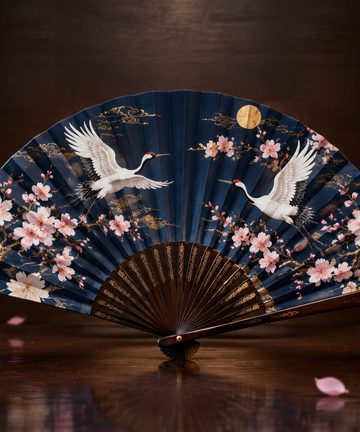
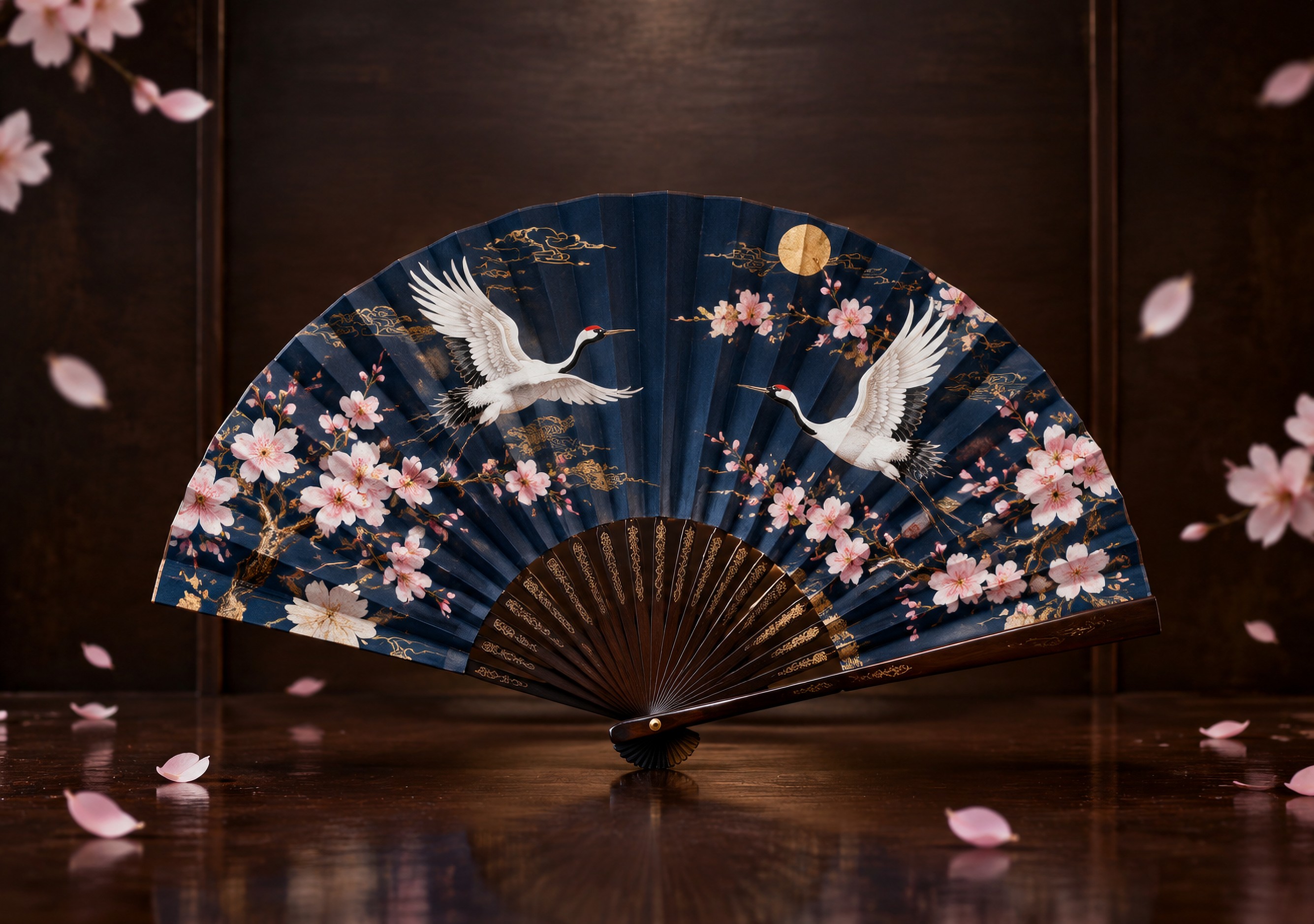


Storybook Spread
An old storybook with its spine on the fold: castle on one page, dragon on the other.





Two Faces
One face, two personalities, split exactly down the hinge.















Fold Gags
Close your phone and something closes with it: covers and shells hinged on the crease.
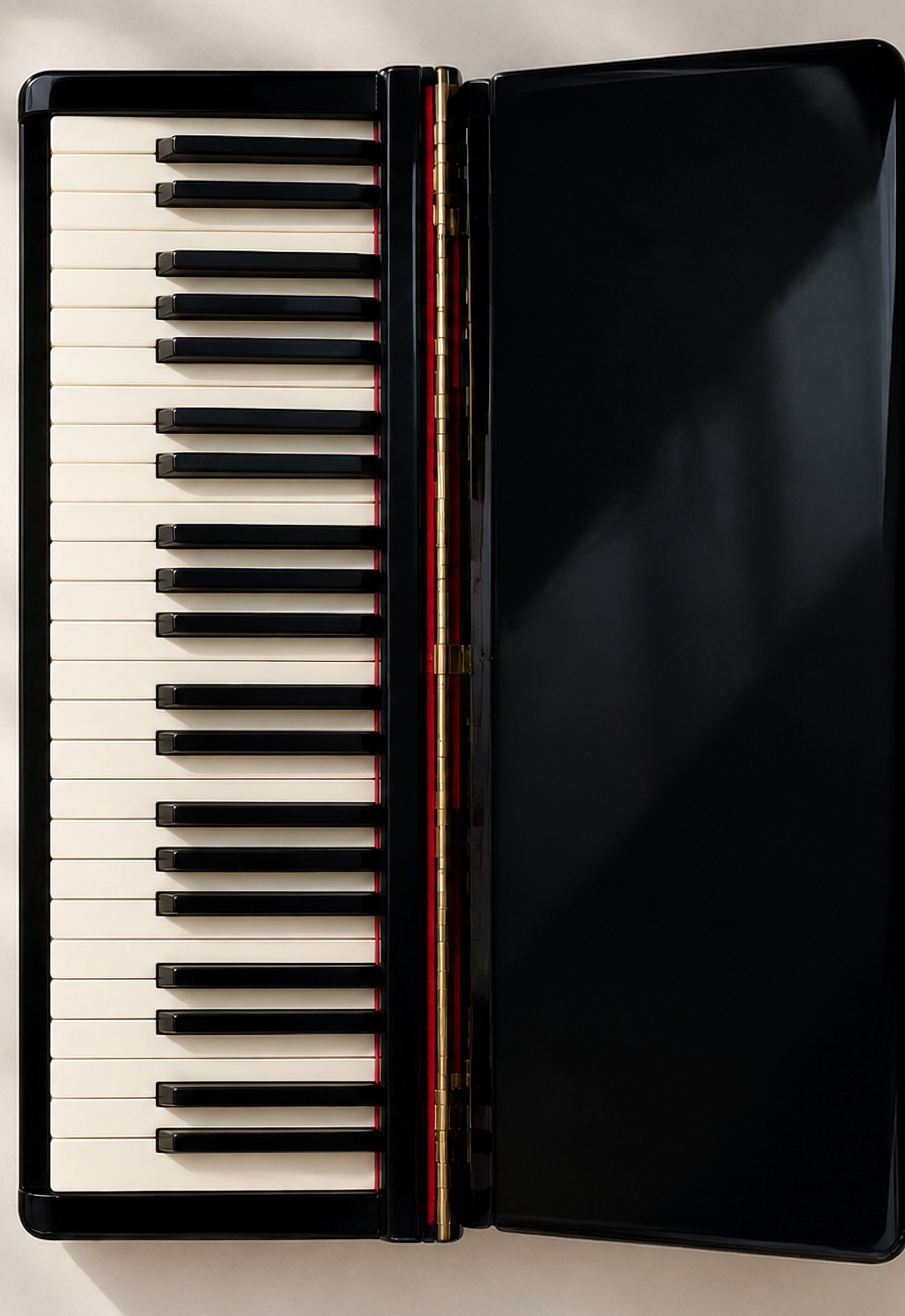
Key Cover
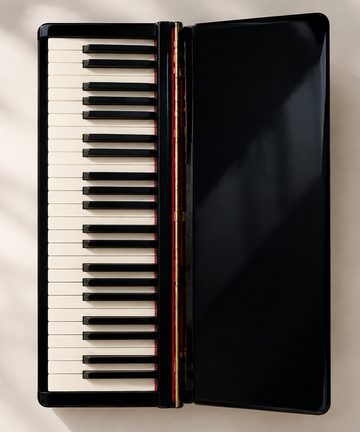
The piano's key cover is hinged on the crease and closes when you fold.




Crease Hiders
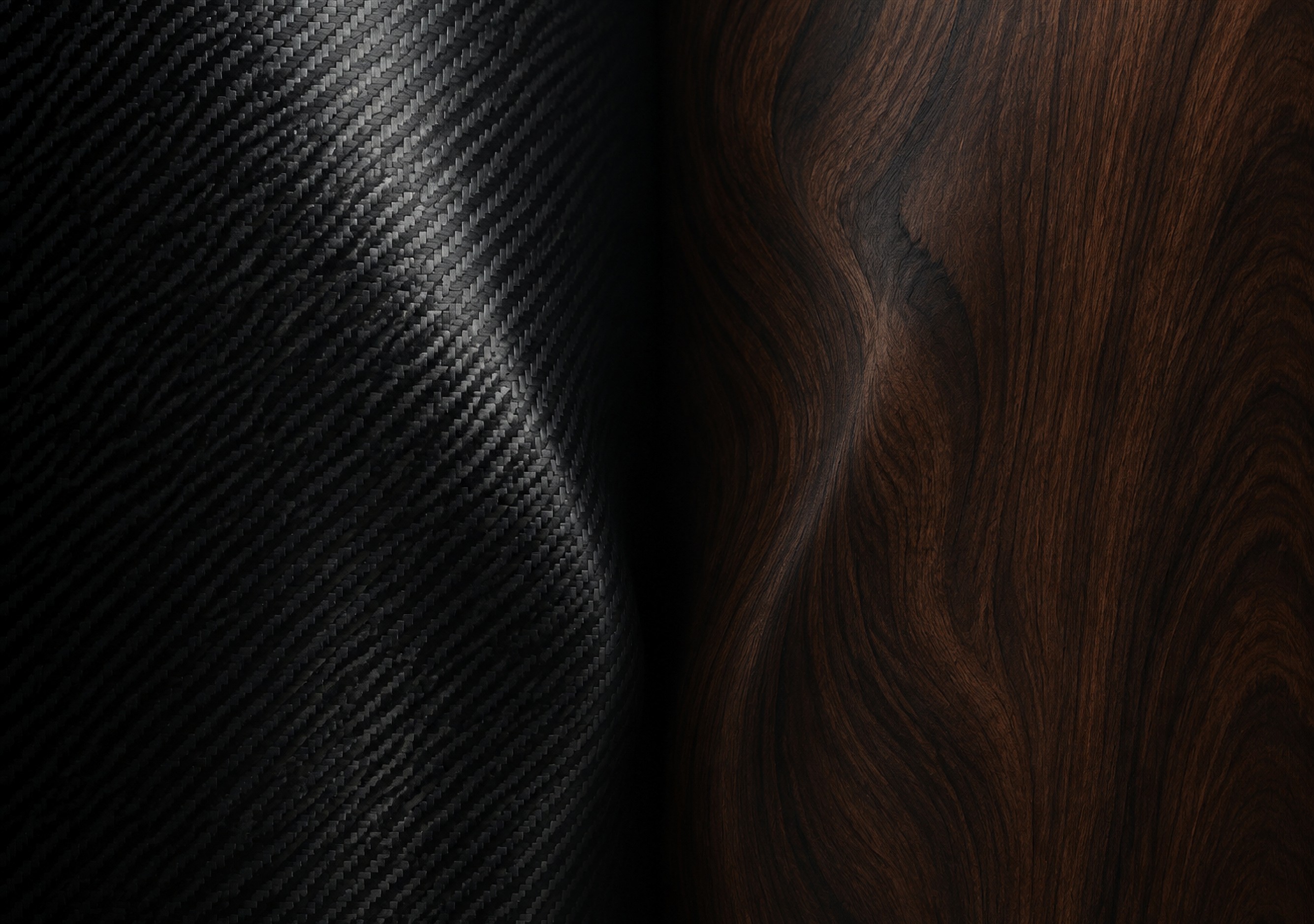
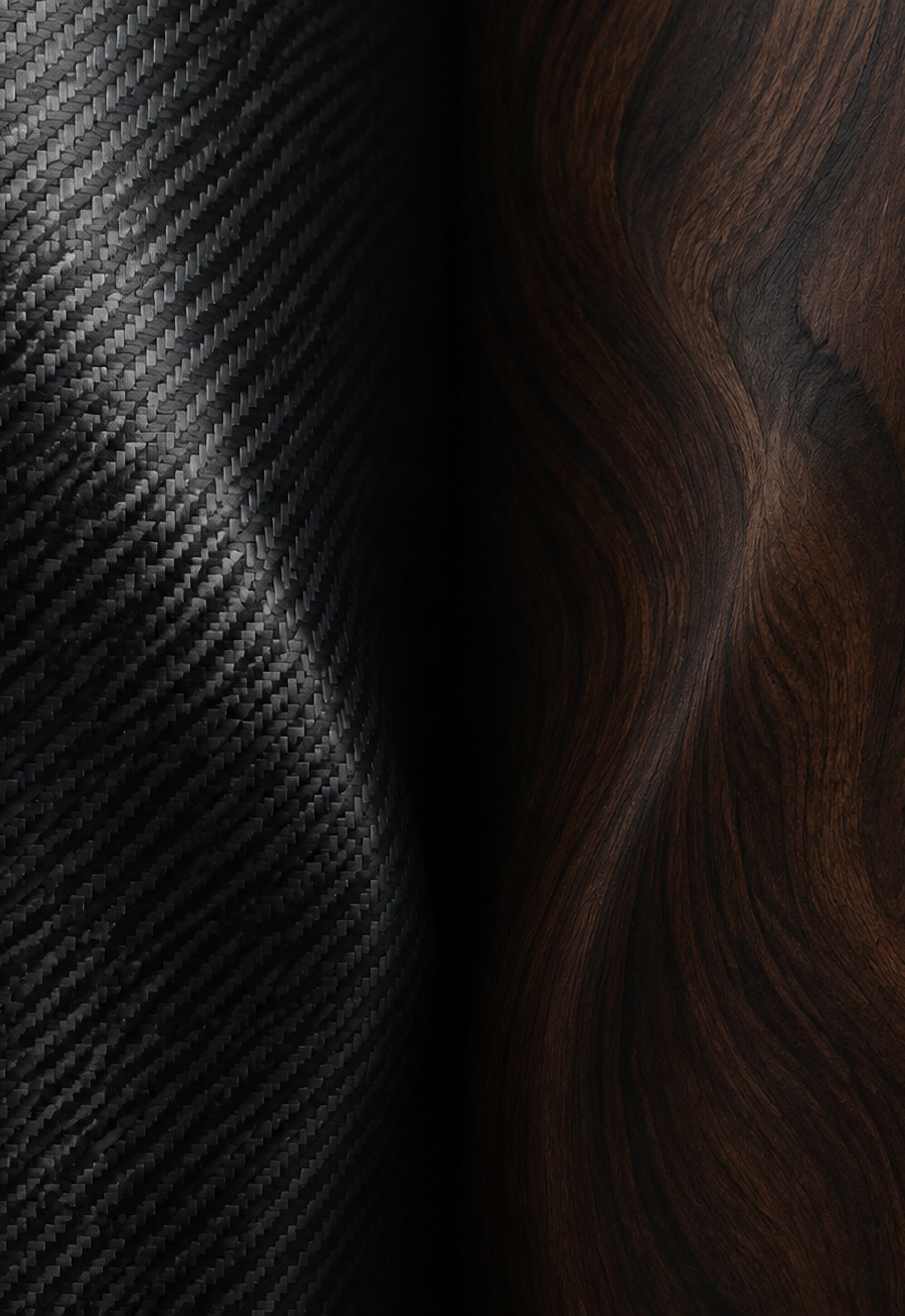
Dark, low-contrast textures that make the center crease disappear.












3D Breakout
Subjects bursting out of the screen toward you, straight through the fold.












Tech Teardown
See-through internals, hinge blueprints and glowing circuitry.












Natural Wonders
Waterfalls, waves and skies that flow along the hinge.












Holidays
Seasonal designs for Halloween, Christmas and New Year.







Gift Ribbon
A gift with its gold ribbon on the hinge. Open the phone, open the present.





Classics
Our first designs: calm scenes and gradients.
























Why foldables need two wallpaper sizes
On a regular phone, one tall image does everything. On the iPhone Duo, the cover display is a tall, narrow screen while the unfolded inner display is nearly square by comparison. Using a single image for both means the wide screen gets an awkward crop — usually right through the middle of the artwork. Our downloads are composed and cropped per display, so the subject sits correctly on each screen, and the two can match as a pair or mix as a set.
Tip: download both sizes of the same design for a seamless look when you open the phone.
See it on the phone first: the Duo Simulator
Not sure how a design survives the fold? Put it on our free iPhone Duo Simulator and open and close the virtual phone: check the crease, switch between inner and cover displays, even test your own photo.
Make your own Duo wallpaper
Got two favorite photos? Our free Duo Wallpaper Maker puts one on each side of the fold, joined by a heart in the middle: parent & baby, couples, pets. Runs in your browser, your photos never leave your device.
Daily wallpapers for your Mac, too
Love the Bing daily photo? Microsoft never made its wallpaper app for Mac — so we did. Bing Wallpaper for Mac is a free, open-source menu-bar app that sets the Bing daily image as your macOS wallpaper automatically. Signed, notarized, one-minute install.
Frequently asked questions
What size are iPhone Duo wallpapers?
The iPhone Duo has two displays, so it needs two sizes. Our inner-display wallpapers are 2670 × 1878 px, sized for the unfolded 7.6-inch screen, and our cover-display wallpapers are 1398 × 2034 px for the 5.4-inch outer screen. Download the size for the screen you want to customize — or grab both.
How do I set a wallpaper on the iPhone Duo?
Download the image, open it in Photos, tap Share → Use as Wallpaper, and adjust. On a foldable, set the cover screen and inner screen separately so each display gets its correctly sized image.
Are these wallpapers free?
Yes. Every wallpaper on this page is an original design and free for personal use on your own device.
Do these wallpapers work on other foldable phones?
The inner-display size (2670 × 1878) is close to other book-style foldables and will crop cleanly on most of them; the cover size fits many standard phones as well.